
Add a HUD widget
You will build Cash Meter: a bar in the top left corner that fills toward your next power of ten, and a GOALS button that opens a bigger window.
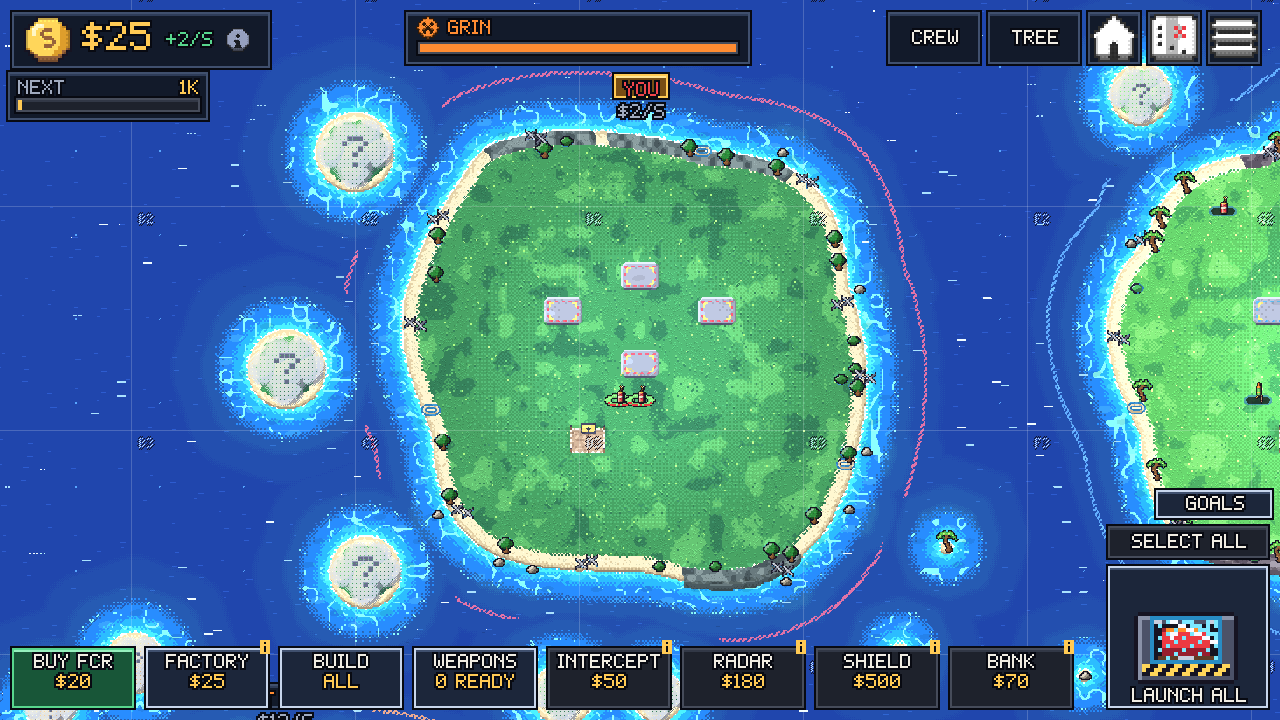
Mod UI draws with the game’s own pixel font, colours and panels, at the game’s scale. You do not place pixels on the screen: you pick a corner and a size, and draw inside that box.
Build it
Section titled “Build it”-
Client only. UI is drawn in the client VM. On the server the UI calls do nothing, but this mod also reads cash, which only makes sense on the client, so the whole file returns early on the server:
main.luau -- UI is client only. On the server these calls are accepted and do nothing,-- but reading cash there makes no sense, so the whole file is client side.if not mod.is_client thenreturnend -
Keep the state outside the draw. A draw callback runs every frame and has 3 ms. Read the game in a timer and only draw in
draw.main.luau local cash, goal = 0, 1000-- Sample cash twice a second, not every frame: a draw callback has 3 ms.mod.every(0.5, function()cash = mod.game.cash() or 0while cash >= goal dogoal *= 10endend) -
A helper for short numbers. The widget is 100 pixels wide, so
12000becomes12K.main.luau local function short(n)if n >= 1e9 thenreturn string.format("%dB", n // 1e9)elseif n >= 1e6 thenreturn string.format("%dM", n // 1e6)elseif n >= 1e3 thenreturn string.format("%dK", n // 1e3)endreturn tostring(n)end -
The widget.
anchoris the corner,wandhits size in game pixels. Indraw,gis a drawing object for that box:(0, 0)is its top left andg.w,g.hits size.main.luau local C = mod.ui.colorsmod.ui.widget({id = "meter",anchor = "top_left",w = 100,h = 24,draw = function(g)g.text("NEXT", 4, 3, C.dim)g.text(short(goal), g.w - 4, 3, C.gold, 1, "right")g.bar(4, 13, g.w - 8, 7, cash / goal, C.gold)end,-- hide it until the first sample came invisible = function()return cash > 0end,})visibleis checked every frame. While it returnsfalse, nothing is drawn and the corner’s other widgets move up.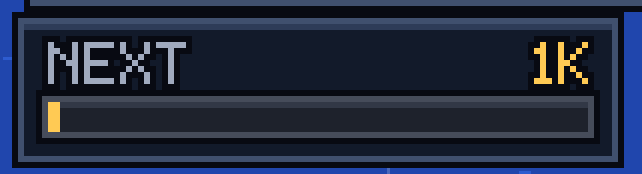
Zoomed 3x. C.dimfor the label,C.goldfor the value and the bar. -
A window behind a button.
mod.ui.paneladds a button with yourlabelto the HUD and a window that opens when the player presses it.main.luau -- A button in the MODS strip that toggles a bigger panel.mod.ui.panel({id = "goals",title = "CASH GOALS",label = "GOALS",w = 120,h = 52,draw = function(g)g.text("NOW " .. short(cash), 6, 6)g.text("NEXT " .. short(goal), 6, 18, C.gold)g.bar(6, 32, g.w - 12, 8, cash / goal, C.good)end,})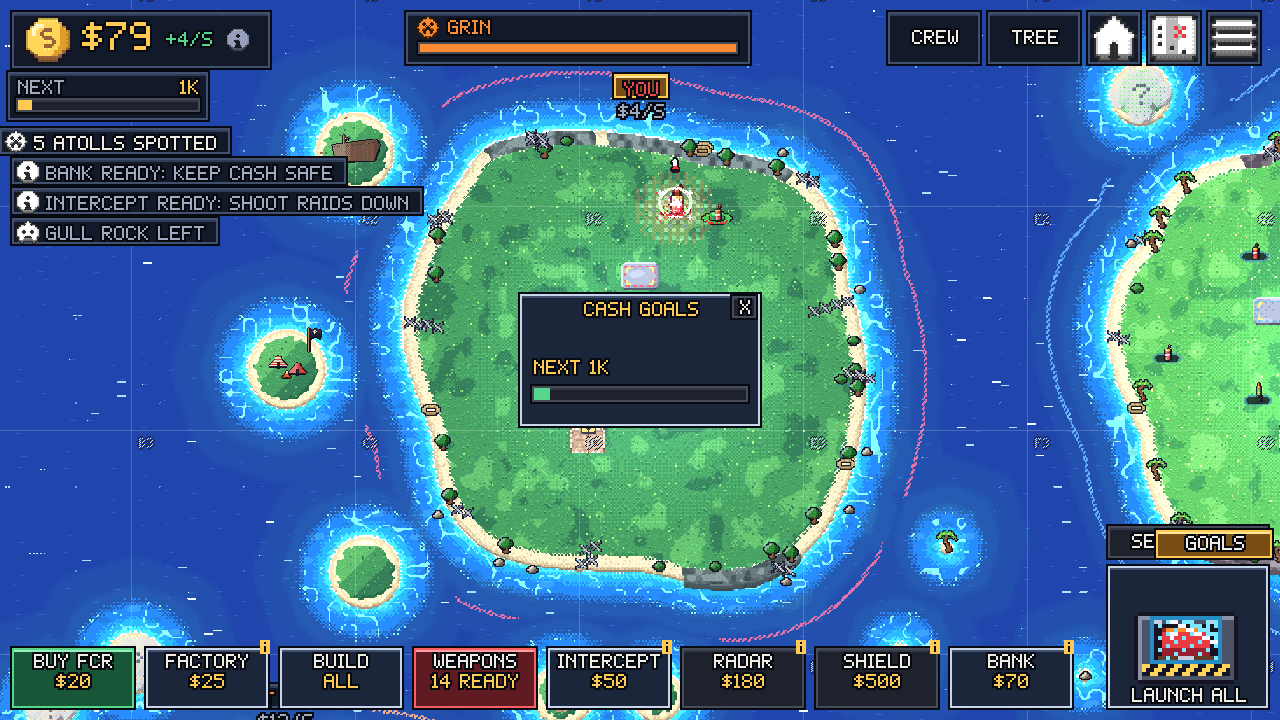
The GOALS button and its window. The X closes it.
What you can draw
Section titled “What you can draw”| Call | Draws |
|---|---|
g.text(text, x, y, color?, scale?, align?) |
pixel-font text |
g.bar(x, y, w, h, fraction, color?) |
a filled bar, 0 to 1 |
g.fill(x, y, w, h, color?) |
a solid rectangle |
g.panel(x, y, w, h, style?) |
a game panel inside your box |
g.sprite(name, x, y, scale?) |
a PNG from your sprites/ folder |
g.button(id, x, y, w, h, label, style?) |
a button; true on the frame it is clicked |
The UI reference has every option and the colour list.
Rules the game keeps
Section titled “Rules the game keeps”- All mod UI hides while the game is paused and while the upgrade tree is open.
- A draw callback that errors 3 times, or runs over 3 ms for 30 frames in a row, is switched off.
- Widgets in the same corner stack away from it.
Next: save data between sessions.